Null cards
When a NULL card has been routed to a DocBoss user(s) (either using a NULL routing scenario or manually), the action due date will be set in one of two ways:
- If there is a customer due date set: The action due date will be set to the same date as the customer due date.
- If there is no customer due date set: The action due date will be set to X number of days from the current date (based on the number of action turn around days set on the project - see article: Turn Around Days).
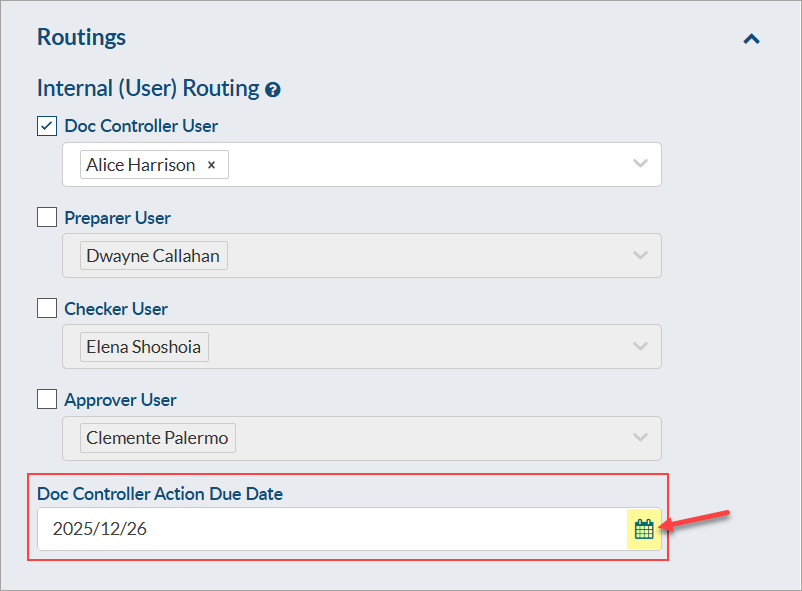
If the action due date should be adjusted, it can be manually modified from the outstanding actions page (Project Menu > Outstanding Actions) by opening the action and selecting a new date.
If a manually modified action due date should be updated to reflect the customer due date, this can be achieved in bulk. To do this, expand the "More Actions" drop-down and select the option to "Update Action Due Date." A pop-up will appear where you can choose to either (A) set the action due date to match the customer due date, or (B) select a specific date (via calendar selector).

If there is no customer due date set for the card, the action due date will remain as it has been set (and instead should be adjusted using the "Set action due date to" option).
Cards with a file attached
If the action due dates of multiple cards (with different statuses) should be updated, this can be done in bulk, too. To do this, first select the cards that require updating. Once selected, expand the "More Actions" drop-down and select the option to "Update Action Due Date." A pop-up will appear where you can choose to either (A) set the action due date to match the customer due date, or (B) select a specific date (via calendar selector). By default, both selected cards and NULL cards will have their due dates adjusted after saving, but the NULL cards option can be de-selected if desired.
